
Working from home offers flexibility but also comes with challenges—especially when it comes to staying productive and comfortable in your workspace. Creating a relaxing home office environment can make a big difference in how you focus and feel during the day. Here are some thoughtful tips to help you design a workspace that supports both productivity and relaxation.
Choose the Right Location
Find a Dedicated Space
If possible, select a quiet area in your home where you can set up your workspace. A dedicated nook or spare room helps create a mental separation between work and personal life. Avoid places with heavy foot traffic or distractions, such as the kitchen or living room couch.
Consider Natural Light
Natural light not only brightens your workspace but also improves mood and energy levels. Position your desk near a window to take advantage of sunlight, but be mindful of glare on your screens. Using sheer curtains can help soften strong light.
Invest in Comfortable Furniture
Ergonomic Chair
An ergonomic chair that supports your lower back is essential for comfort during long work hours. Look for adjustable features such as seat height, lumbar support, and armrests to customize it to your needs.
Functional Desk
Choose a desk with enough surface area to accommodate your computer, documents, and any office accessories you regularly use. Standing desks or adjustable desks can add variety to your routine, allowing you to alternate between sitting and standing.
Organize and Declutter
Use Storage Solutions
Keep your workspace tidy by using storage bins, drawers, or shelves. Organized storage reduces clutter and makes it easier to find what you need, minimizing distractions.
Maintain a Clear Desk
Try to keep only essential items on your desk surface. A clean workspace promotes a clearer mind and better focus.
Personalize Your Space
Add Greenery
Plants bring life to your workspace and can help improve air quality. Small potted plants or succulents are easy to care for and add a touch of nature.
Incorporate Personal Touches
Decorate with items that inspire you, such as artwork, photos, or meaningful objects. These can create a calming and motivating atmosphere without overwhelming the space.
Control Lighting and Noise
Balanced Lighting
In addition to natural light, use adjustable desk lamps or overhead lighting to reduce eye strain during darker hours. Warm lighting tends to feel more relaxing than harsh fluorescent bulbs.
Minimize Noise
Use noise-canceling headphones or play soft background music to block out distractions. Alternatively, white noise machines can create a consistent and soothing environment.
Manage Technology Effectively
Position Screens Properly
Place your computer monitor at eye level, about an arm’s length away, to reduce neck strain and eye fatigue.
Use Cable Organizers
Keep cords tidy with clips or sleeves to avoid tangled cables cluttering your workspace.
Establish a Routine and Boundaries
Set Work Hours
Maintain a consistent schedule to help your mind distinguish between work time and personal time. This discipline supports work-life balance and prevents burnout.
Take Regular Breaks
Incorporate short breaks to stretch, hydrate, or step outside. Moving around refreshes your body and improves mental focus.
Incorporate Relaxation Features
Use Comfortable Accessories
Consider adding a cushion for your chair, a footrest, or a soft throw blanket for a cozy touch.
Create a Relaxation Corner
If space allows, have a small area nearby with comfortable seating or a meditation spot to unwind during breaks.
—
By paying attention to your home workspace’s setup, you can create a calm and productive environment that supports your well-being. A well-designed space encourages focus, reduces stress, and makes working from home an enjoyable experience. Start with small changes and adjust as you go to find what works best for you.
Related Posts
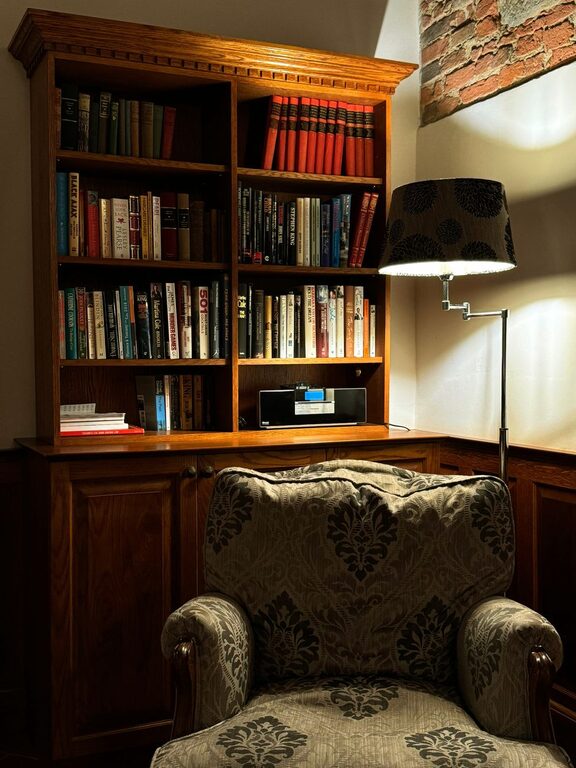
How to Create a Cozy and Inviting Reading Nook at Home
Creating a cozy and inviting reading nook in your home…
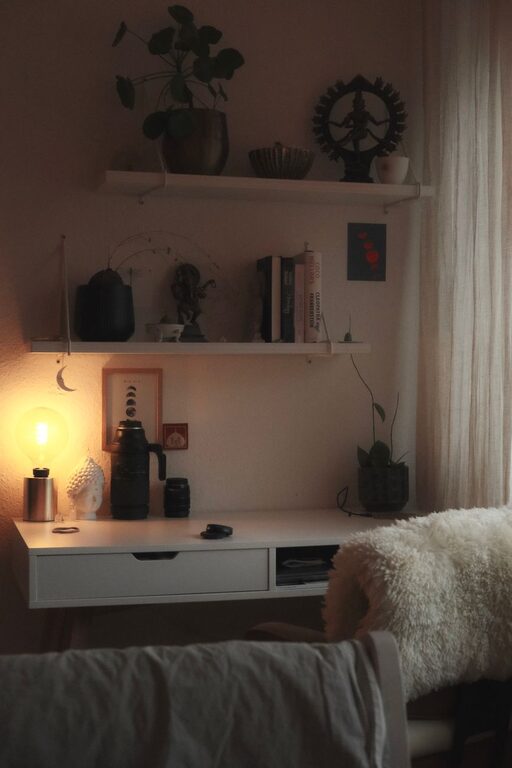
Tips for Creating a Cozy and Productive Home Office Space
Creating a home office space that is both cozy and…
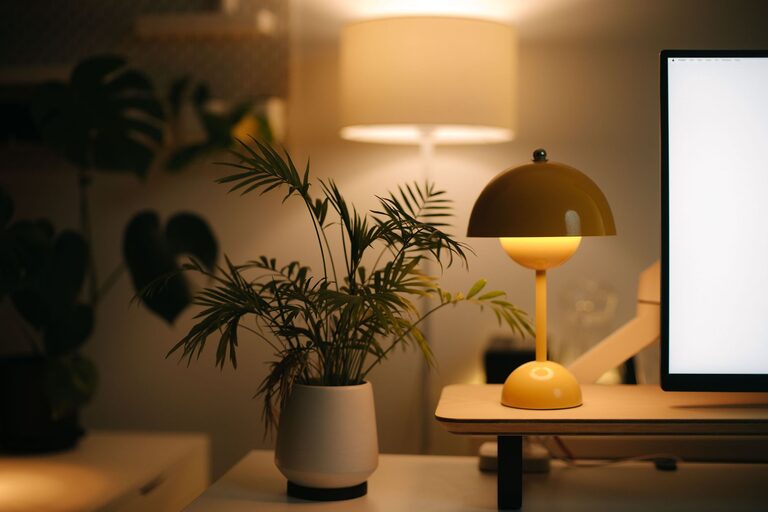
Tips for Creating a Cozy and Inviting Home Workspace
Creating a comfortable and welcoming home workspace is essential for…